


Planyway now supports custom Jira hierarchy levels in Gantt Chart, so you can plan and visualize work using the same structure your organization already uses in Jira.
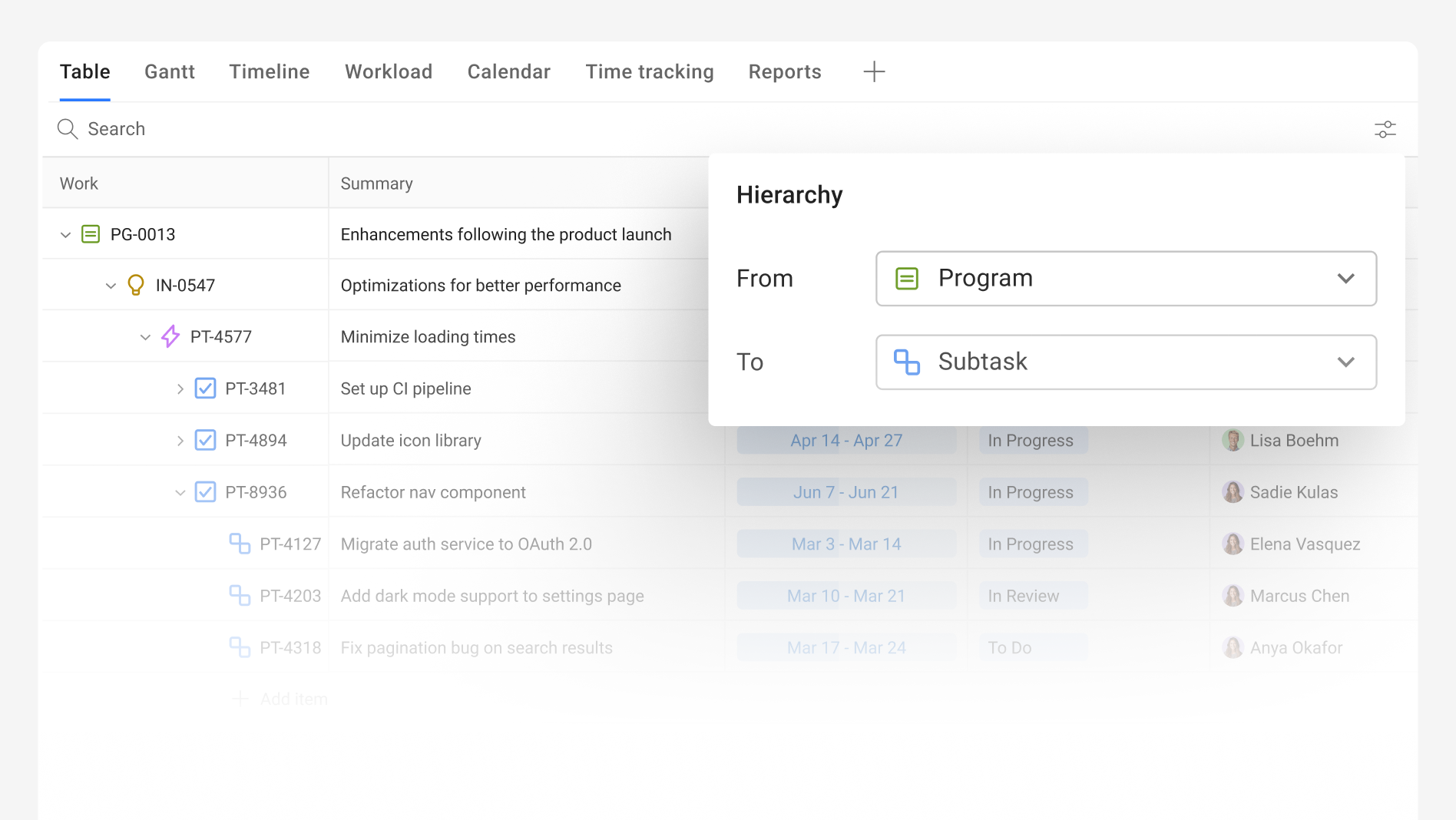
With custom hierarchy support, you can:
- Visualize custom Jira issue hierarchy levels directly in Gantt Chart
- Build portfolio plans using your organization’s existing Jira structure
- Navigate complex projects with clear parent-child relationships
- See how projects and lower-level work connect to broader initiatives
- Keep planning aligned with how your teams already organize work in Jira
Planyway automatically adapts to your Jira hierarchy configuration, whether your structure includes levels such as Portfolio → Initiative → Project → Epic → Story, Business Unit → Program → Project → Epic, or Product → Feature → Epic → Story.
This makes it easier for enterprise teams to see what is being delivered, how work is connected, and where individual projects fit within broader programs, products, or strategic initiatives.
Learn more about Gantt Chart in Planyway for Jira.
