


Planyway now lets you choose which Jira fields to use for Start date and End date in each tab.
Create different planning views for the same Jira data and use the date fields that fit each workflow.
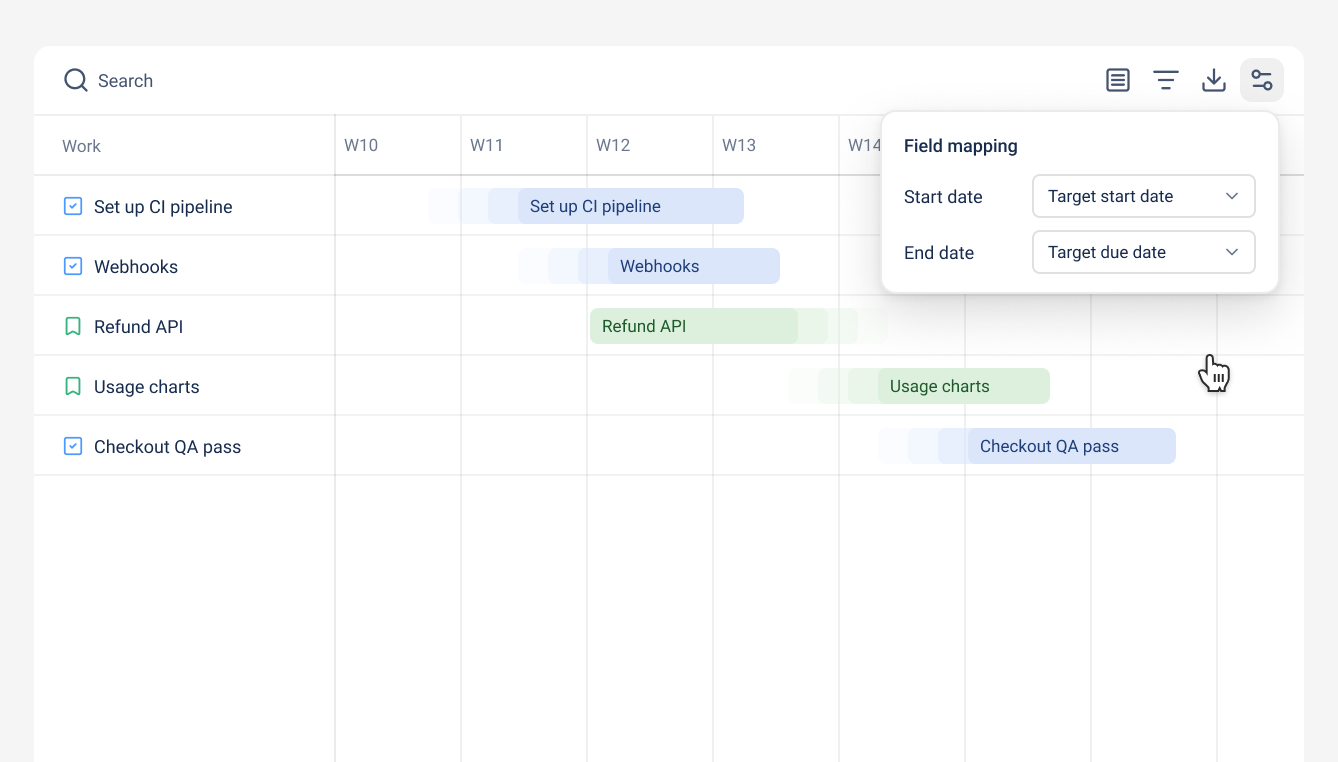
For example:
- Use planned start and end dates in one Timeline tab for project planning.
- Use actual start and end dates in another Timeline tab to see when the work is really happening.
Each tab has its own date mapping, so you can create separate views for different planning needs without changing your Jira data.
You can also choose not to sync a date field or use a specific Jira field across all connected spaces.
