


Planyway now lets you mark tracked time as billable or non-billable, making it easier to separate client work from internal activities.
When logging time, simply switch on the Billable toggle to flag the work you charge your clients for.
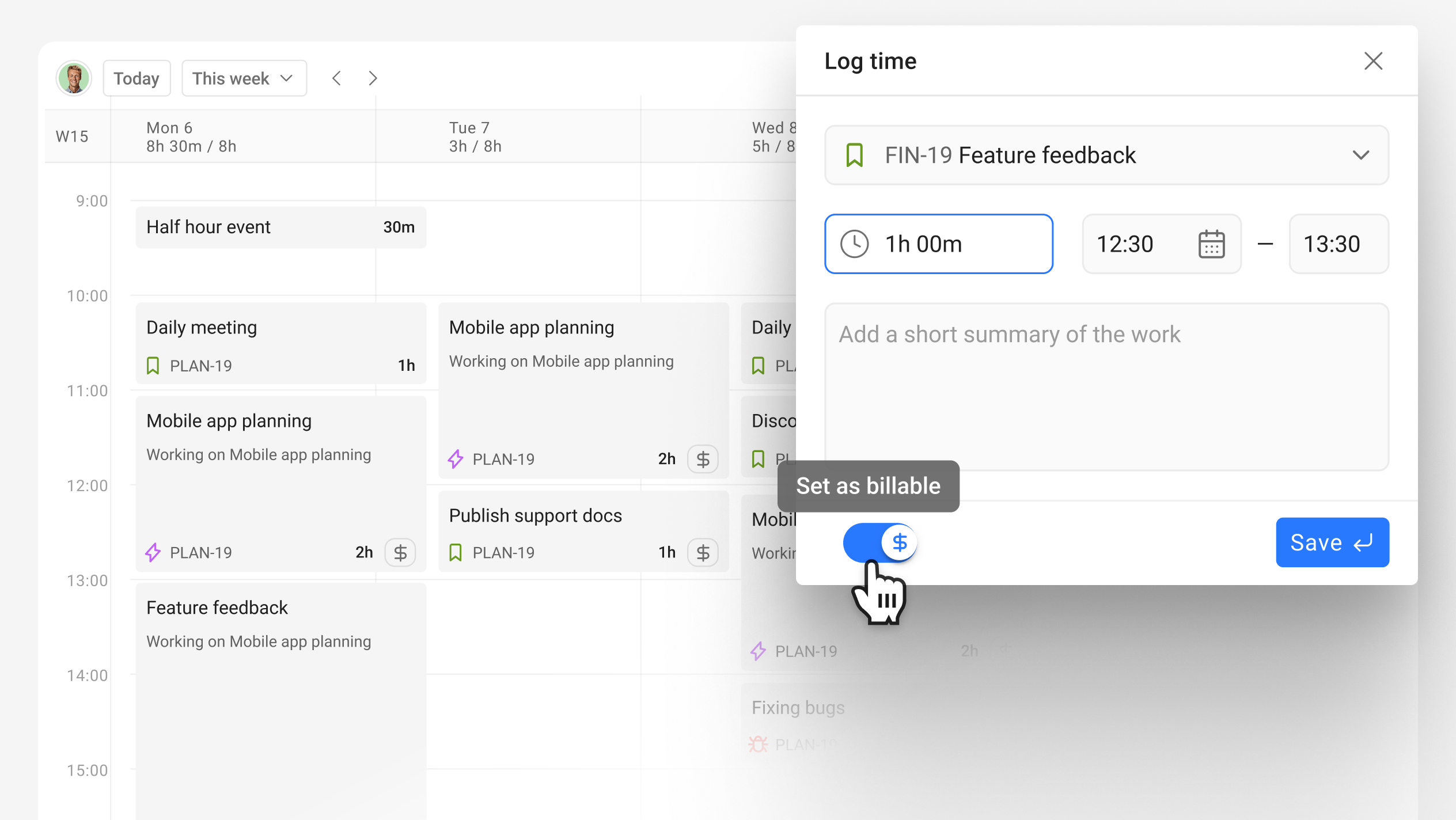
You can then filter your time tracking reports by Billable or Non-billable time to quickly see how much time was spent on client work.
This makes it easier to prepare client reports, review billable hours, and keep internal work separate.
