


Trello is great for managing tasks on boards, but complex projects often need a clearer view of how work fits together over time.
Planyway’s Gantt Chart gives you a visual project plan on top of your Trello boards, so you can see tasks, schedules, dependencies, and milestones in one place.
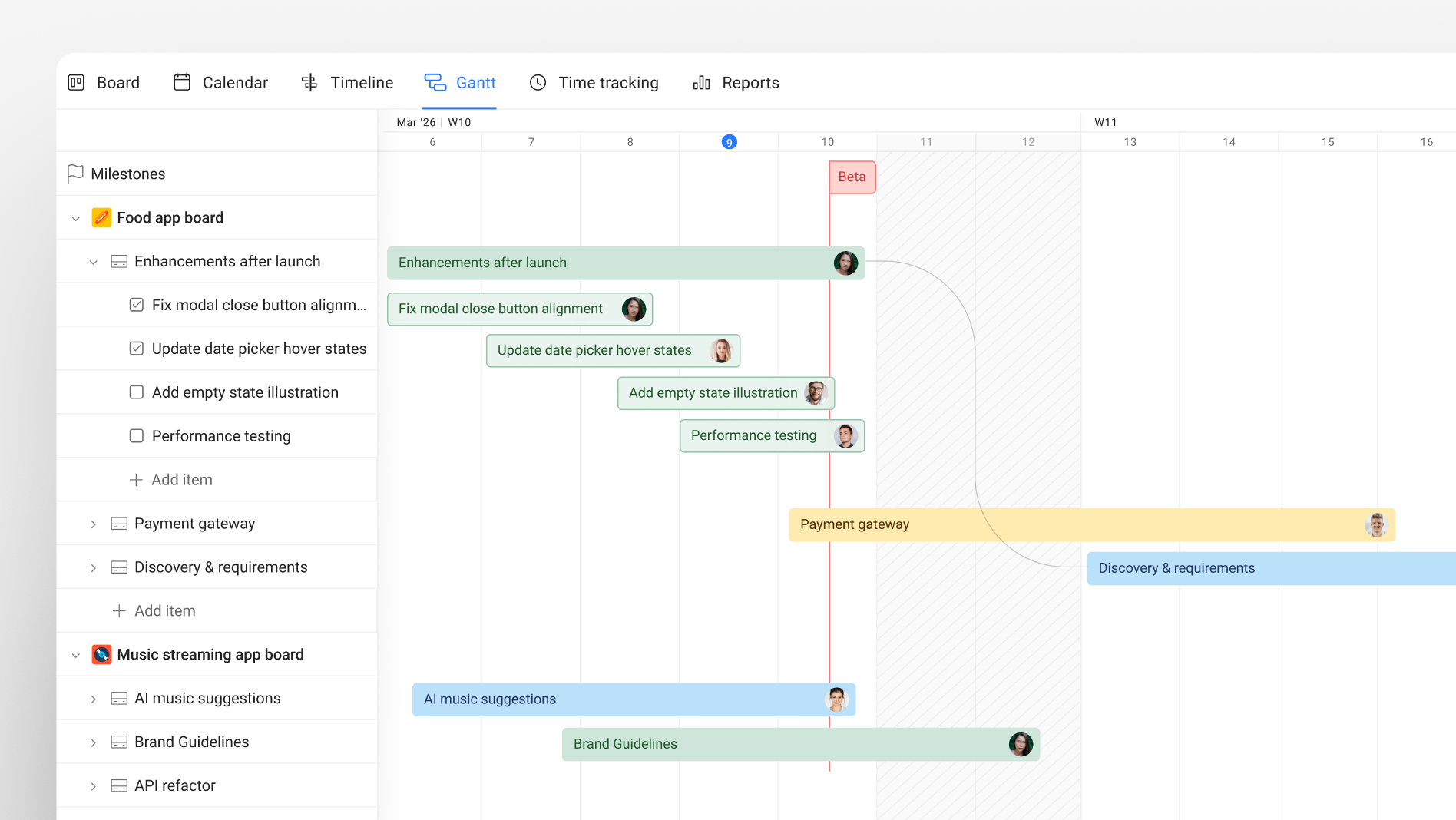
Add your Trello boards to Planyway, schedule your cards, and use the Gantt Chart to see the bigger picture and keep your projects on track.
With the Gantt Chart, you can:
- See your project hierarchy on a visual timeline
- Plan cards across multiple Trello boards in one view
- Set dependencies between cards and see how tasks are connected
- Add milestones to highlight important dates
- Zoom from days to weeks, months, quarters, or years
- Drag and resize cards to adjust your plan directly on the Gantt view
- Share your plan with clients and colleagues
If plans change, you can adjust the schedule directly on the Gantt Chart and keep your Trello cards up to date.
It’s a simple way to turn your Trello boards into a visual project plan without moving your work to another system.
